
Search the databases of known WordPress vulnerabilities — and see at once which ones affect your site.
What it looks like
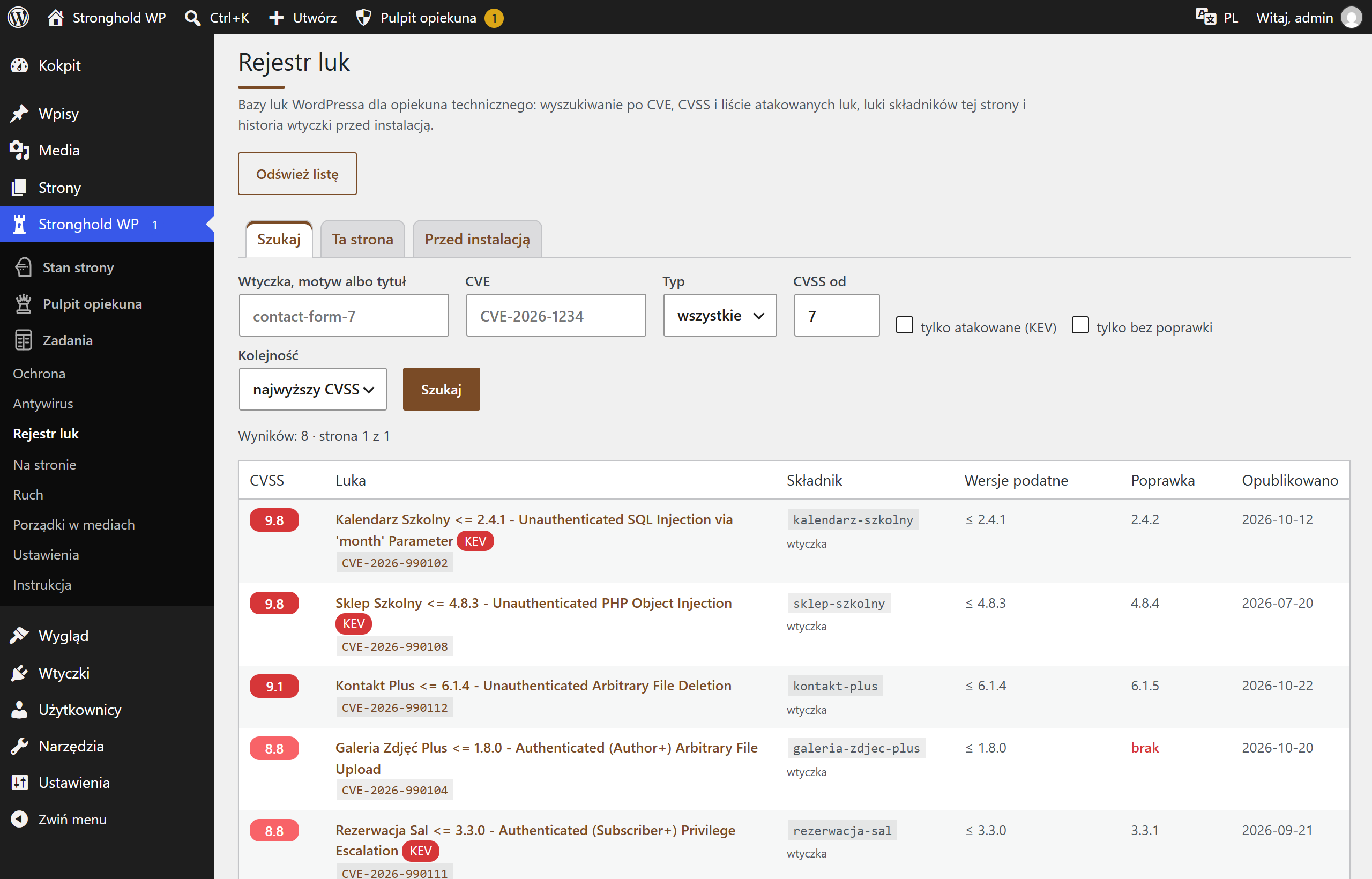
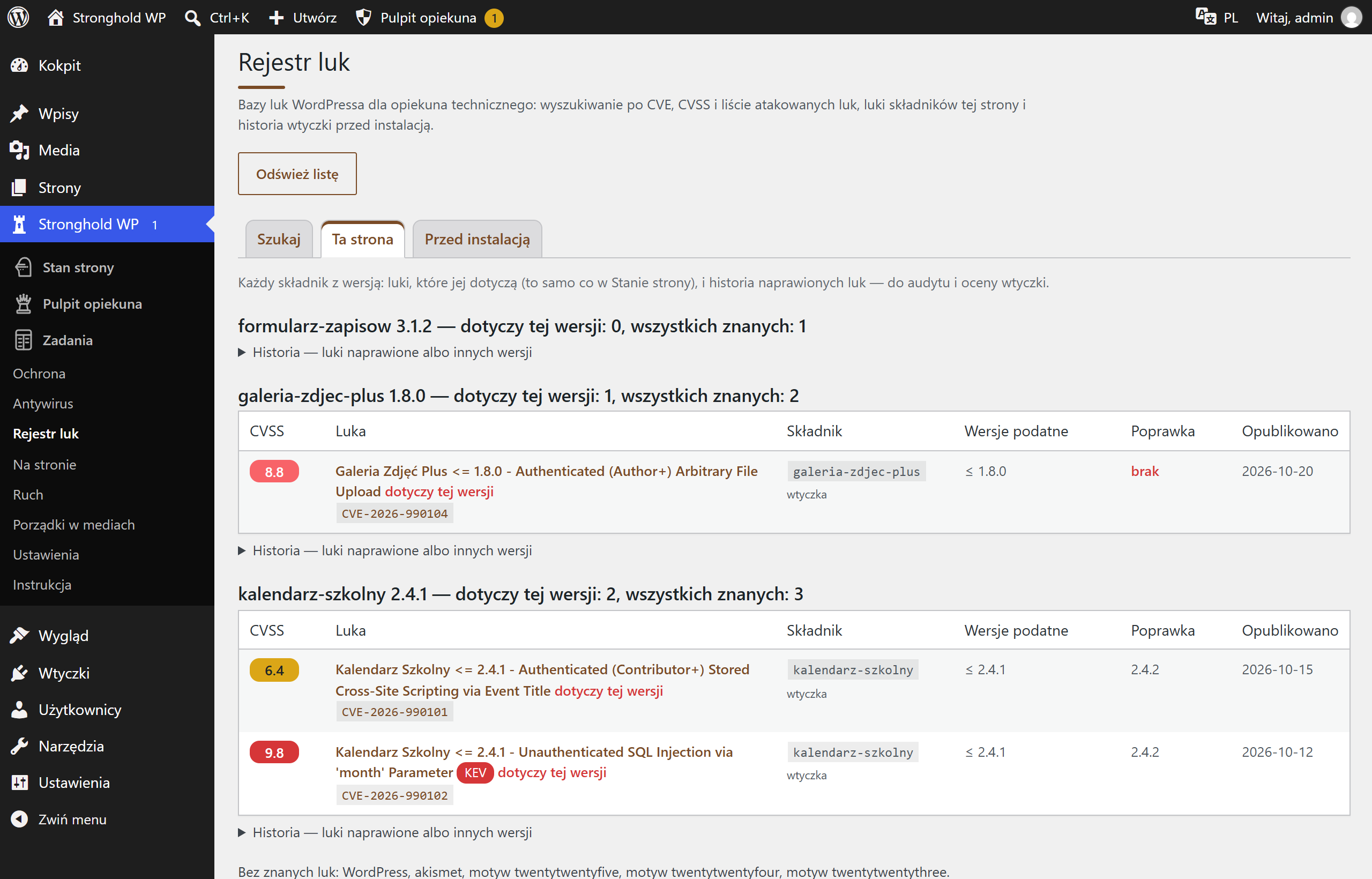
Screenshots from a test installation with sample data.
What it does
- Search by plugin or theme name, CVE number, type and severity score (CVSS)
- Vulnerabilities exploited in attacks right now (KEV) and those without a fix
- This site: vulnerabilities in installed versions and a history of fixed ones
- Before installing: the vulnerability history of a plugin from the WordPress directory
- For each vulnerability: CVE number with links, likelihood of exploitation (EPSS) and source
- Export to CSV and JSON
Specification
| Version | 1.0.2 |
|---|---|
| Requires | WordPress 6.4+ · PHP 8.1+ · Stronghold WP 1.14.7+ · with the protection component |
| Server | WordPress scheduler (WP-Cron); full vulnerability list — from public vulnerability databases, once you add a free key |
| Who changes the settings | technical caretaker |
| External connections | none of its own — Stronghold WP fetches the data from public vulnerability databases |
| Data | a copy of the vulnerability list in the WordPress database |
| Dashboard languages | Polish, Ukrainian, English |
| Updates | together with Stronghold WP, from the update channel |