
Two parts: protection that is always on, and modules you turn on as needed. Works with any theme.
Protection layer
It runs as a must-use plugin (mu-plugin). Nobody can switch it off by accident in the dashboard.

Site status
Checks your site and tells you what to do — one step at a time.
- Changes to files and administrator accounts
- Comparison with the original WordPress, plugin and theme files
- Suspicious code and known vulnerabilities

Antivirus
Scans files on the server and moves threats to quarantine.
- Proven scanners and custom patterns
- Requires the included server component

Two-factor login
A code from a phone app, plus recovery codes. For someone without an app, the technical caretaker can enable an e-mailed code (accounts without administrator rights).

Firewall
Blocks common attacks hidden in the page address (such as code injection attempts) before WordPress even starts.

Maintenance mode
During maintenance, visitors see a notice and logged-in users see the site.

Caretaker dashboard
Issues, accounts, security status and the activity log — who changed what, and when.
Security tipA file change nobody planned is often the opponent’s first visible move. When Site status shows an unexplained change, check it right away — not after the weekend.
Modules
Turn on only what you need. A disabled module doesn’t slow your site down.
Protection
Hides the login page, closes old back doors (XML-RPC, the file editor), limits access to your site’s data (REST API) and adds security headers.

Logins
Limits failed attempts, requires strong passwords, rejects leaked passwords and logs sign-ins.

Media cleanup
Folders, file replacement without changing the address, tidy uploads and missing image descriptions.

Sends e-mail through a real mail server (SMTP, e.g. Microsoft 365, Gmail, Brevo), so messages land in spam less often. With your template and a test send.

Contact form
A contact form without extra plugins.

Broken links
Finds links that don’t work and suggests replacements.

Statistics and redirects
Counts visits without cookies. Redirects addresses that have disappeared.

Cookie notice
A consent bar with categories. Embedded videos and maps wait for consent.

Accessibility
Visitors can enlarge text, switch on high contrast, increase spacing and stop animations themselves.

Tasks and Dashboard
A team task list with priorities and a tidy Dashboard with quick shortcuts.

Mourning, Slider, Duplicate
Mourning mode, a home page slider and one-click post duplication.
Security tipDelete plugins and themes you don’t use. A deactivated plugin still sits on the server, and its vulnerability is waiting for its move.
What it looks like
In the dashboard
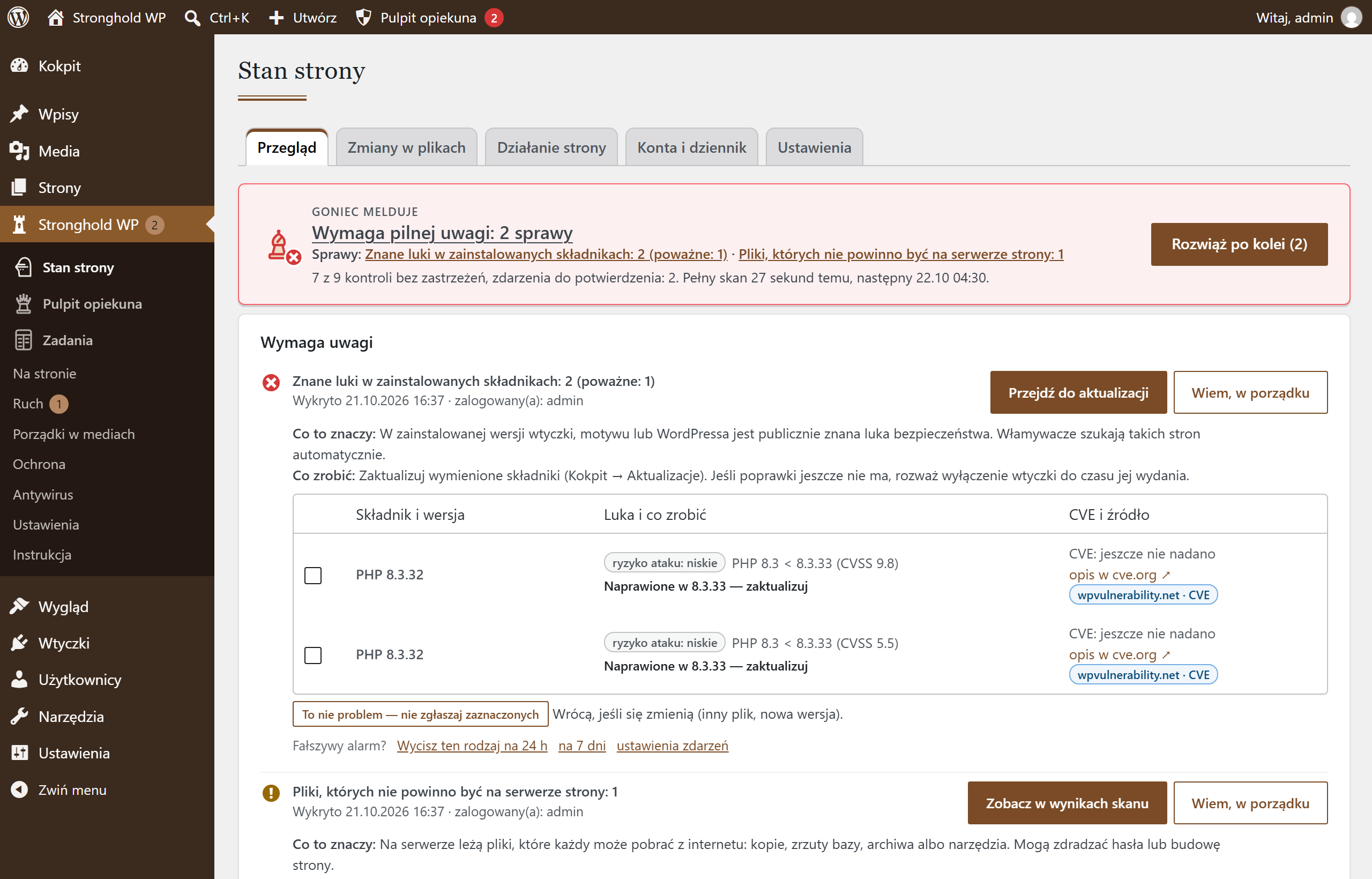
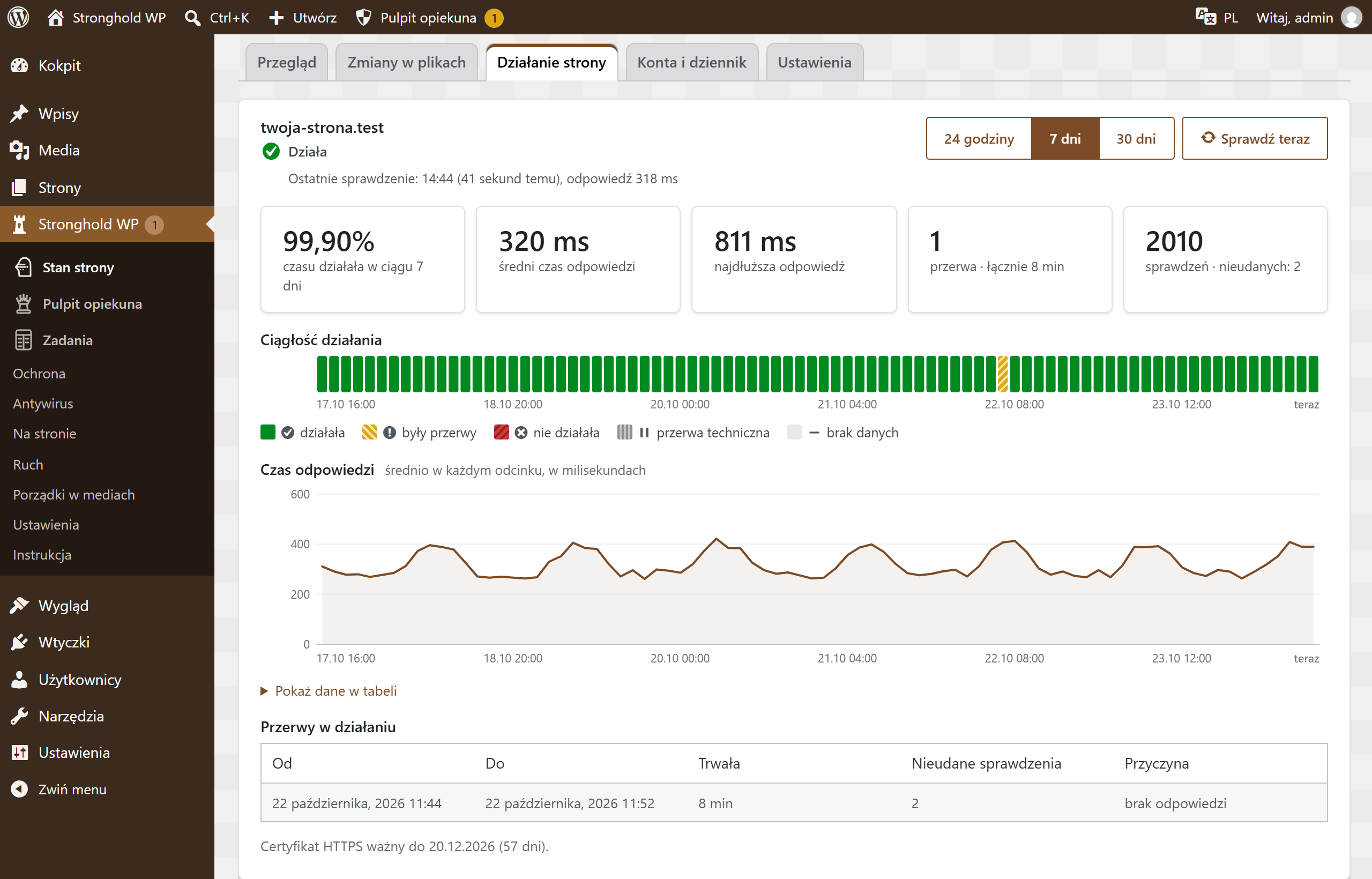
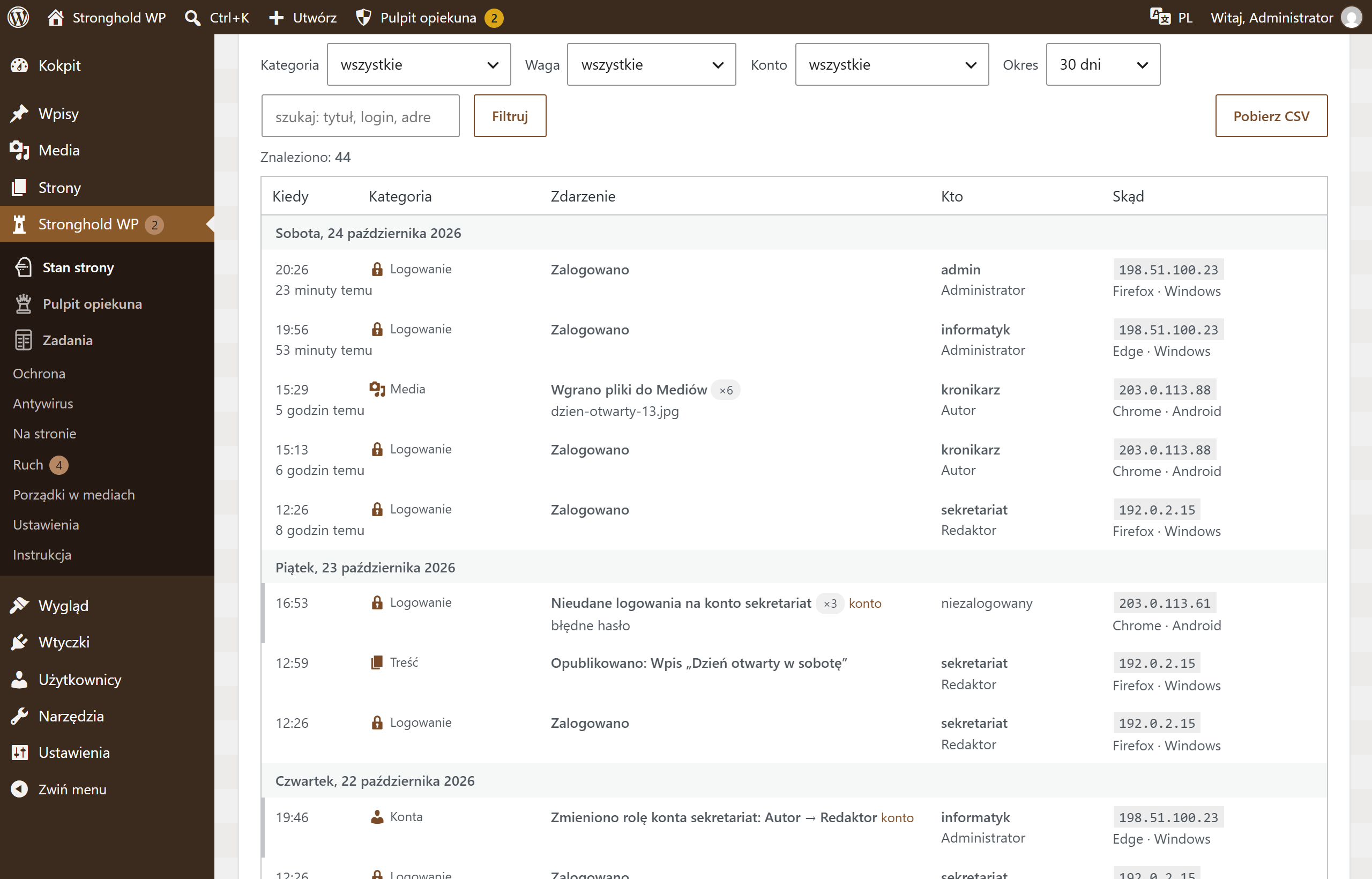

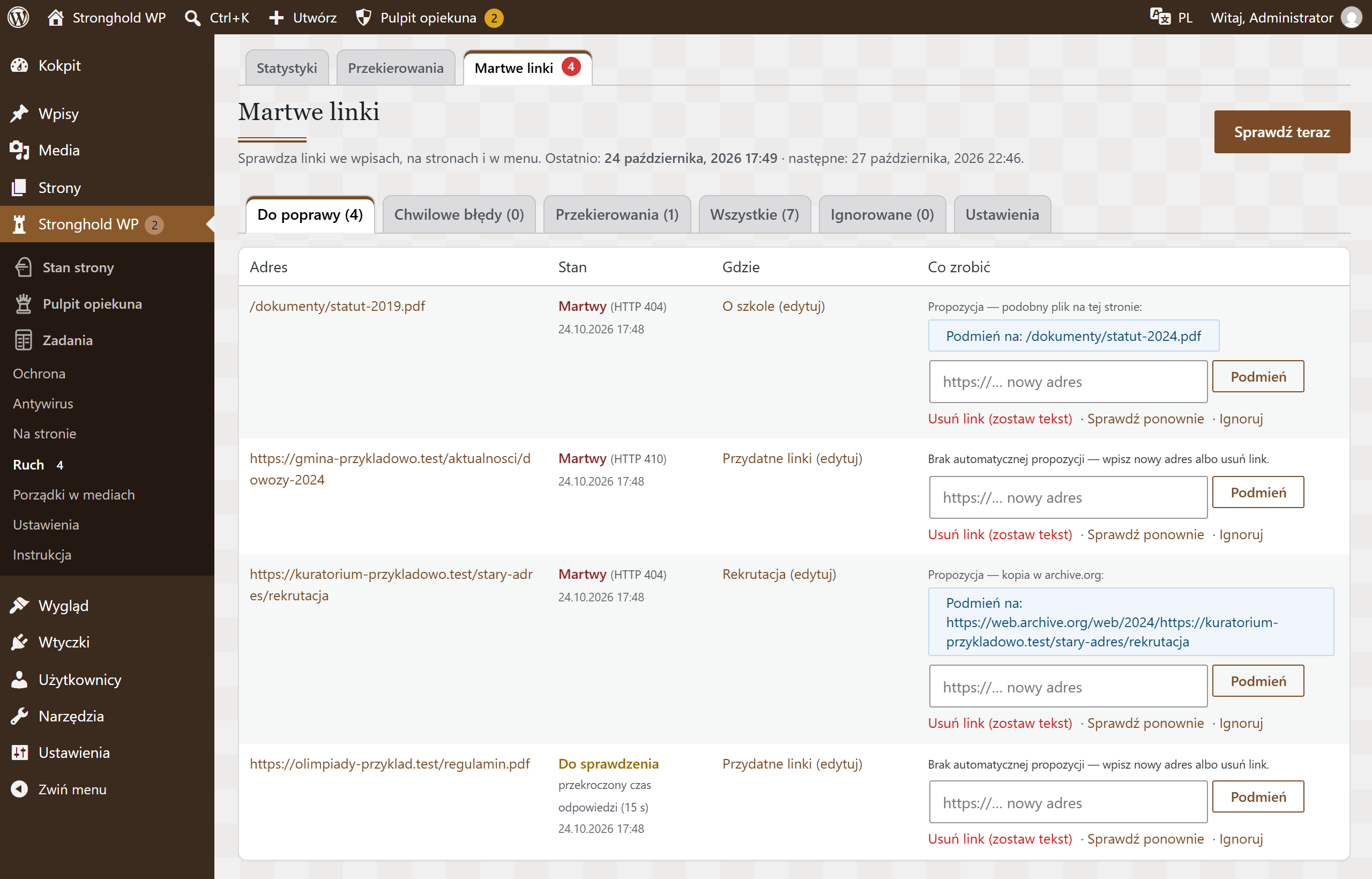
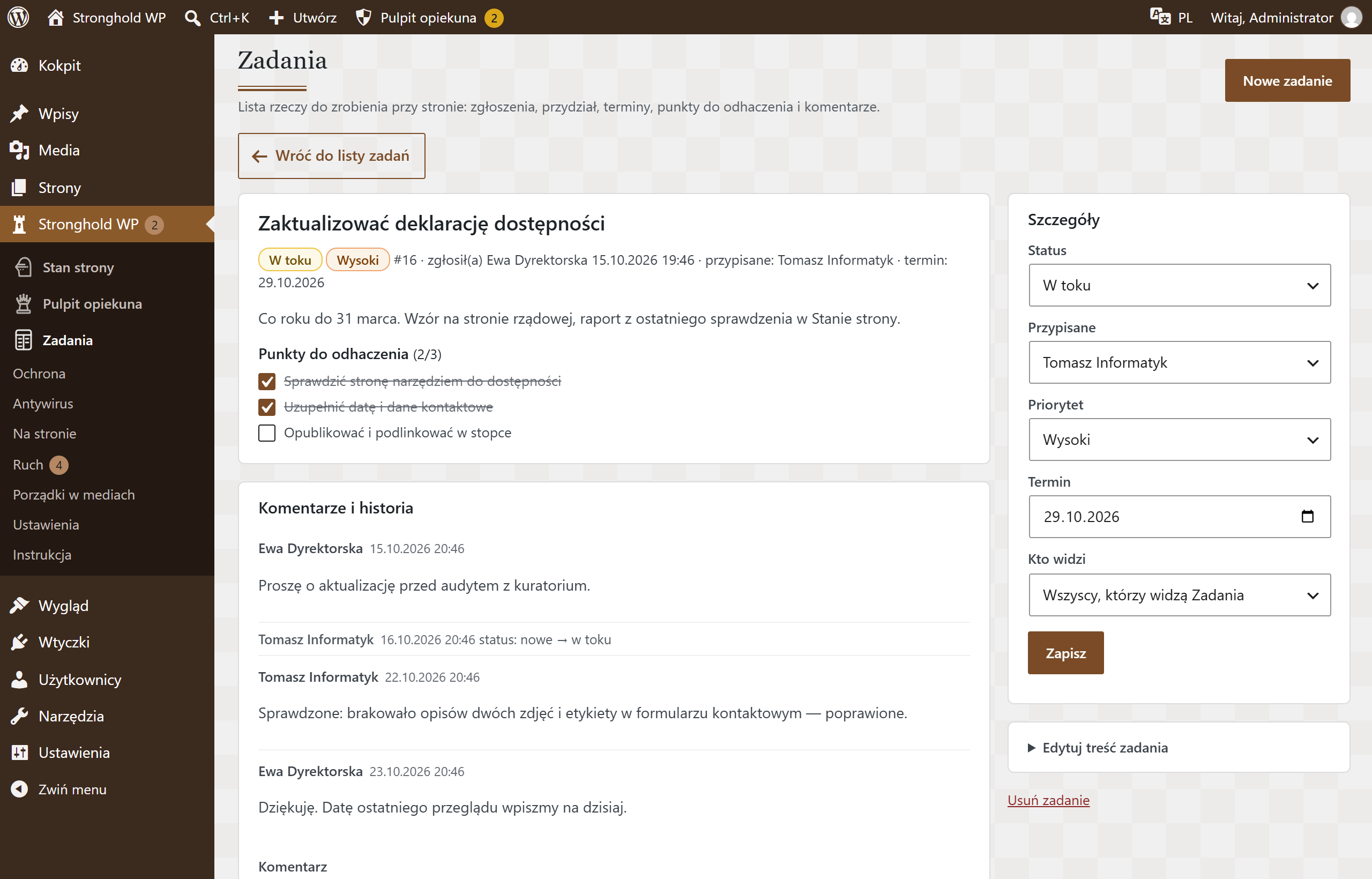
Screenshots from a test installation with sample data.
On your site: what visitors see
Stronghold WP also works on the public side of your site. It adds what visitors and regulations expect: accessibility options, cookie consent and notices for special occasions. Everything matches your site’s colours and follows WCAG (the Web Content Accessibility Guidelines).
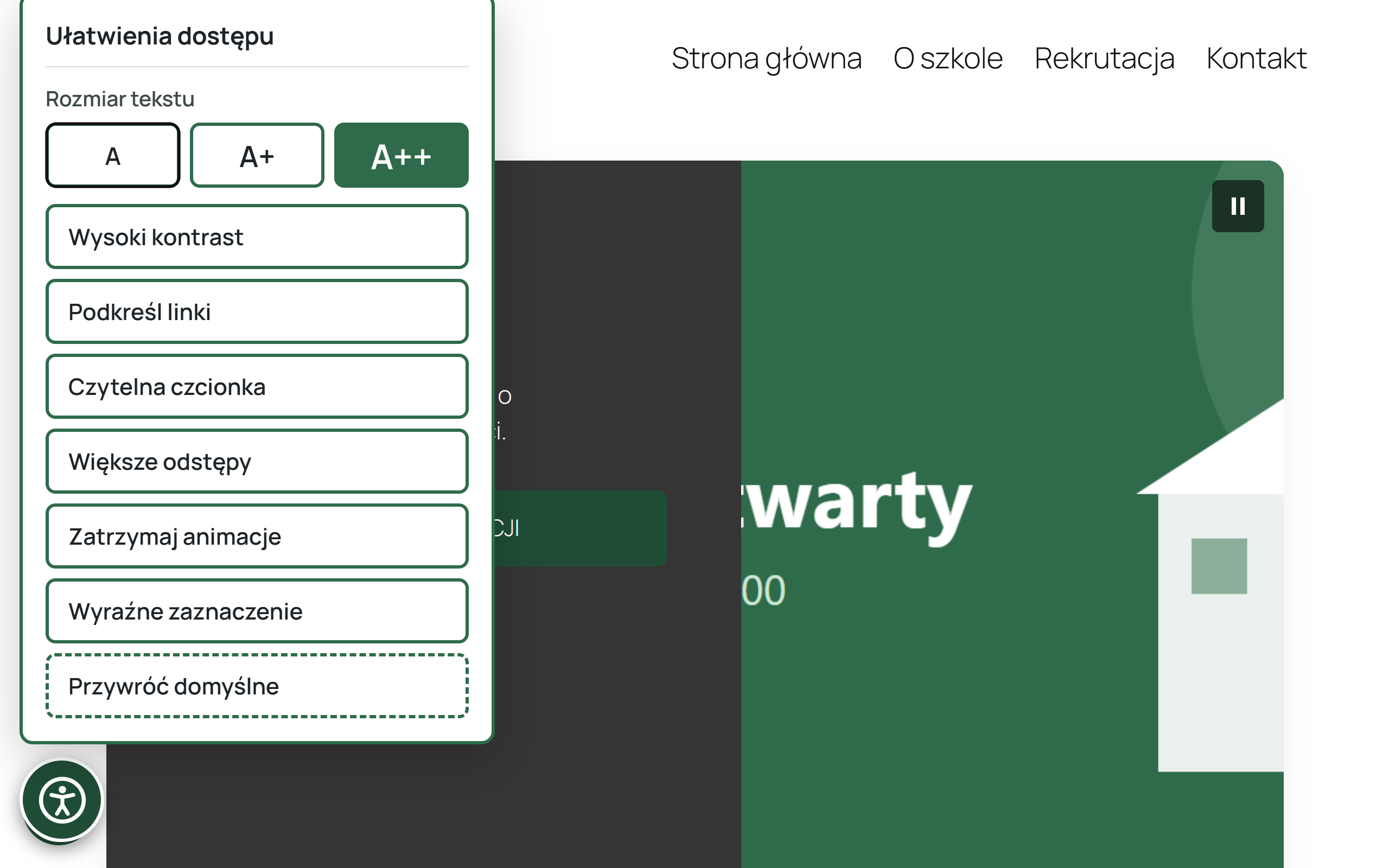
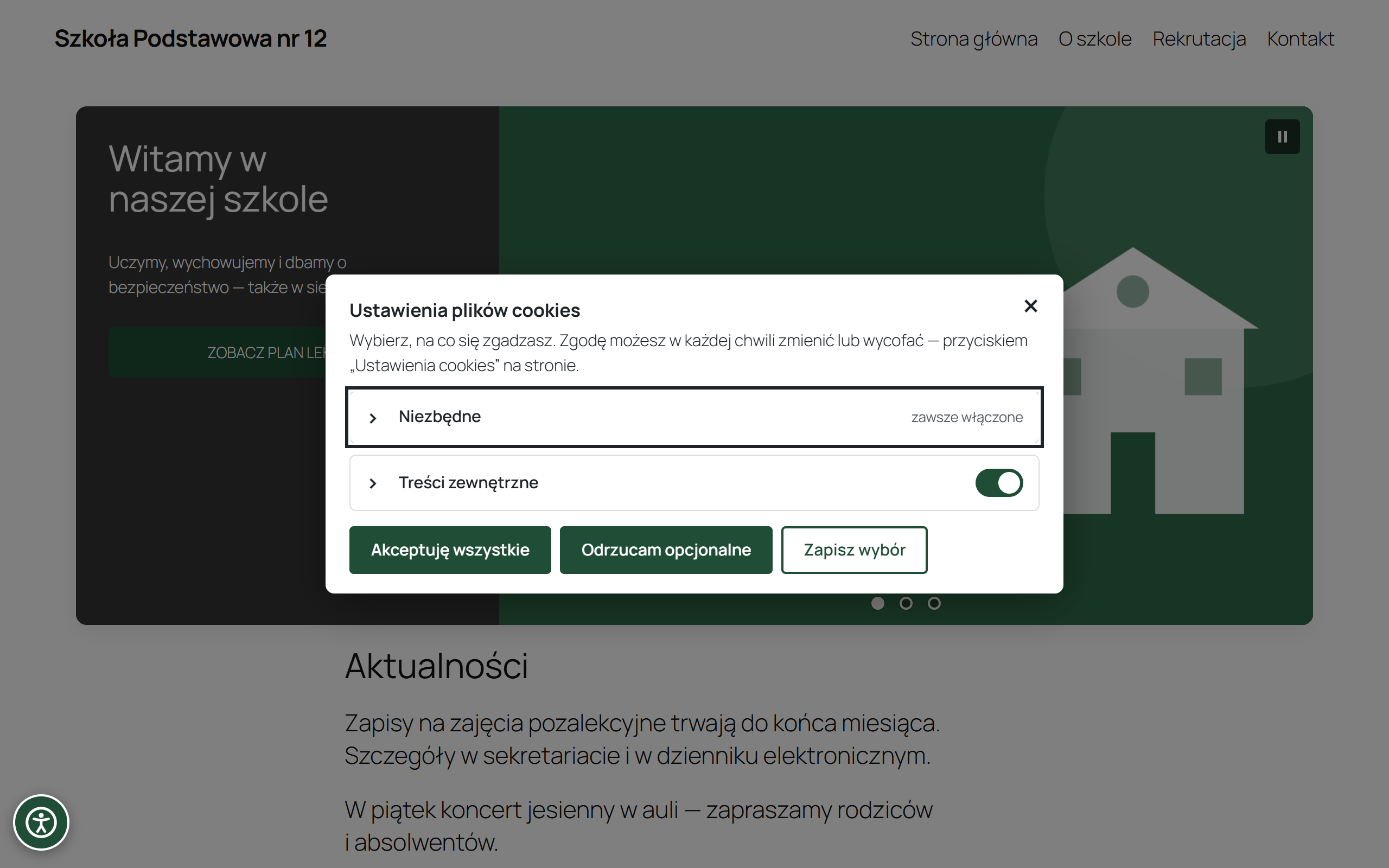

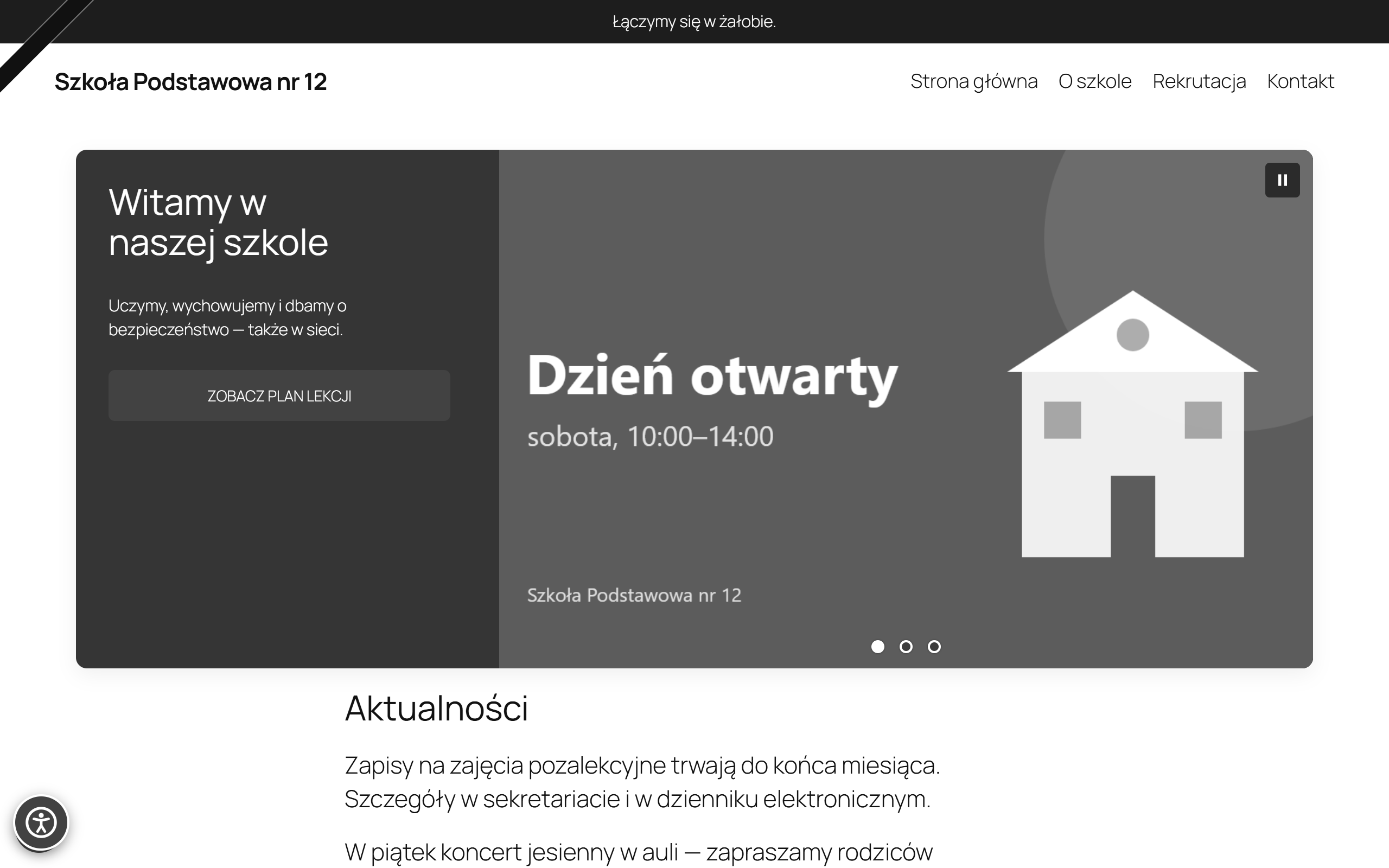
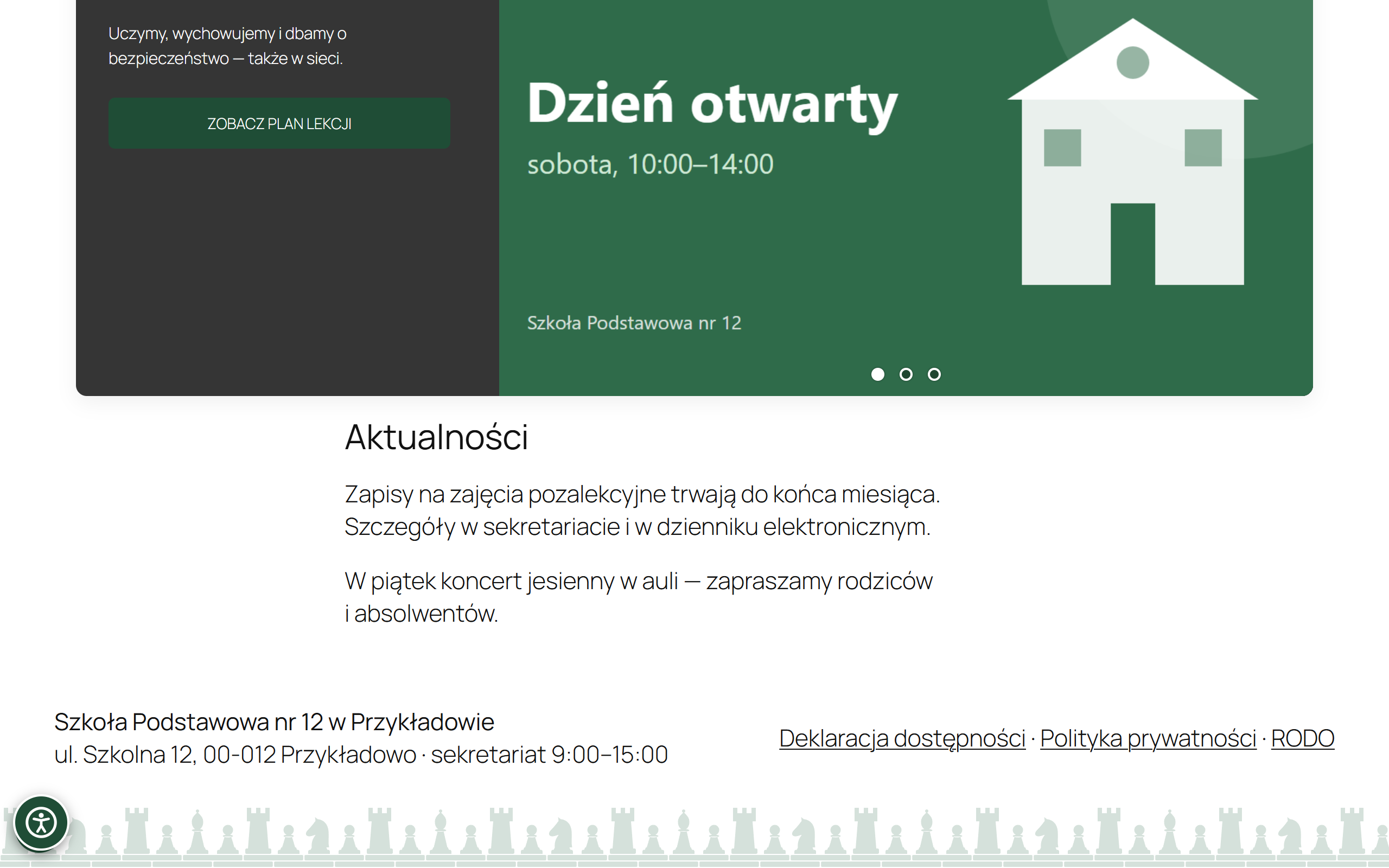
Screenshots and videos show a sample school website.
What you can count on
| Version | 1.14.24 |
|---|---|
| Requires | WordPress 6.4+ · PHP 8.1+ · any theme |
| Dashboard languages | Polish, Ukrainian, English |
| Server | regular PHP hosting; the antivirus and site uptime checks need a Linux server with administrator access. Your own administrator looks after the server, and we work with them on the server component. |
| Security fixes | install automatically and are free for the whole support period — also without a key and after it expires (more) |
| Release security | an automatic audit of every change and signed updates (how we release) |
| Your data | stay on your server; the plugin collects no usage statistics. We describe external connections in the Documentation. |
| Who changes the settings | the technical caretaker; other administrators work on content |
| Everyday help | a setup wizard, Site status with a hint for every issue, and manuals in the dashboard |
| Bug and vulnerability reports | through the contact page; vulnerabilities privately — report a vulnerability. Please send well-considered reports. |
| Guaranteed response time (SLA) | with paid VIP care, priced individually |
Without a key and with a key
| What you get | Without a key | With a channel key |
|---|---|---|
| All plugin features | Yes | Yes |
| Security fixes during the support period (automatic) | Yes | Yes |
| New versions with new features | No | Yes |
| Translations (Ukrainian, English) | No | Yes |
| Add-ons | No | Yes |