
Encrypted backups of the whole site, kept off the server — on a schedule and checked to make sure they can be restored.
What it looks like
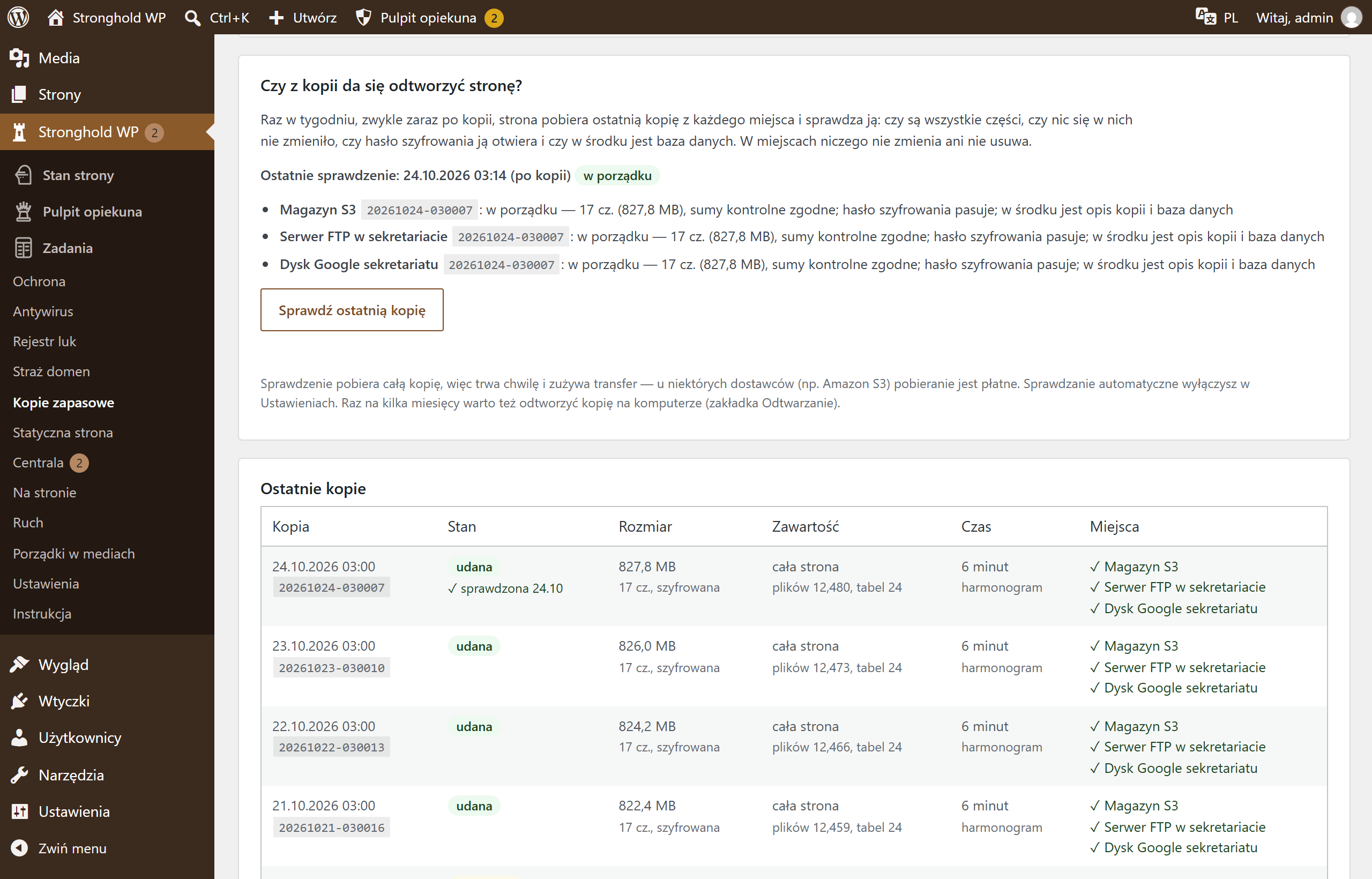

Screenshots from a test installation with sample data.
What it does
- The whole site, content with the database, or the database only
- Google Drive, OneDrive, FTP, S3 (e.g. AWS, Cloudflare R2, Backblaze) and WebDAV (Nextcloud, NAS) — the backup goes to every location you choose
- The site encrypts it itself, with your password (XChaCha20-Poly1305, key derived with Argon2id)
- Daily or weekly at the hour you choose, or with one button; it removes old backups itself
- Every week it checks the latest backup: all parts, checksums and the password
- E-mail when a backup fails; an alert in Site status when there has been no checked backup for a long time
- Restore even without WordPress — with a tool on any computer
Specification
| Version | 1.3.7 |
|---|---|
| Requires | WordPress 6.4+ · PHP 8.1+ · also works without Stronghold WP |
| Server | PHP with the sodium extension (Argon2id), cURL and zlib; WordPress scheduler or server cron |
| Who changes the settings | administrator; with Stronghold WP — the technical caretaker |
| External connections | only the backup locations you choose; for Google Drive and OneDrive — your own app, no middleman |
| Data | settings in the WordPress database, passwords encrypted; working files outside the public directory |
| Dashboard languages | Polish, Ukrainian, English |
| Updates | together with Stronghold WP; without it — manually |